One page instead of scattered links
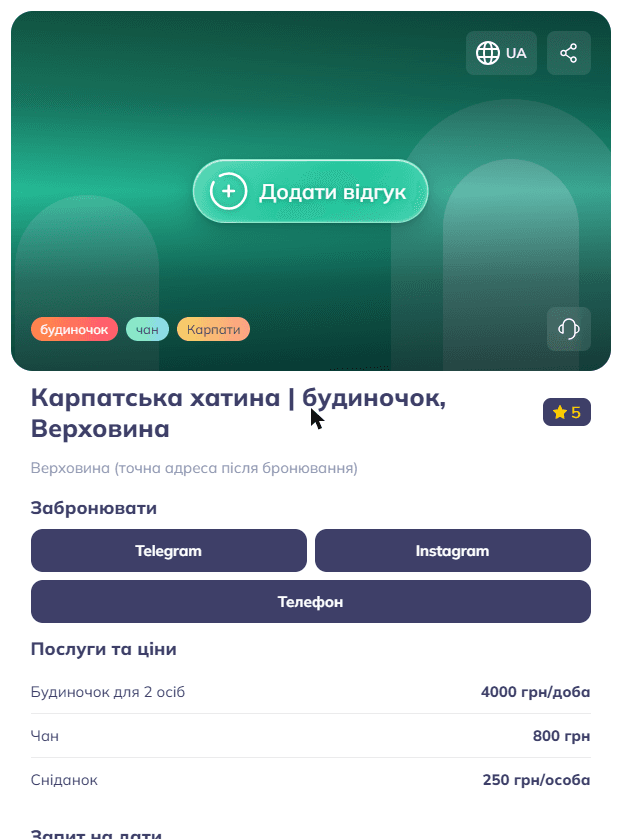
Many small businesses live in Instagram: prices are in highlights, dates are in stories, and every question goes to Direct. A Moimodo location page collects the essentials in one place with a short link you can put in your bio, on a business card or behind a QR code.
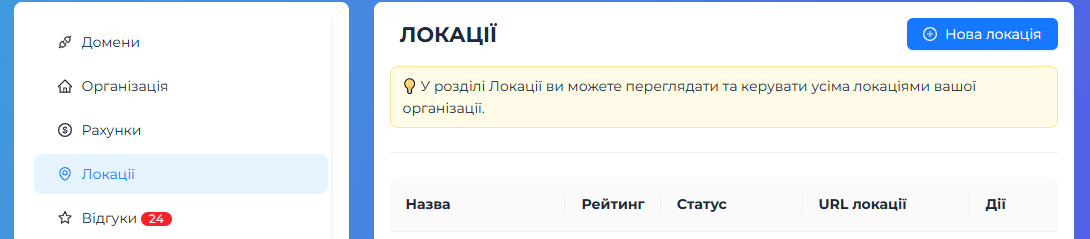
The page works on any phone, needs no app and is created in a couple of minutes from the Locations section of your account.
Three page types
Place: a cafe, shop, salon or studio. The page has a Contact block, address, opening hours, photos and reviews.
Specialist: a master or a freelancer who takes appointments in messengers. The contact block becomes a Book an appointment block, and the phone sits right in the buttons.
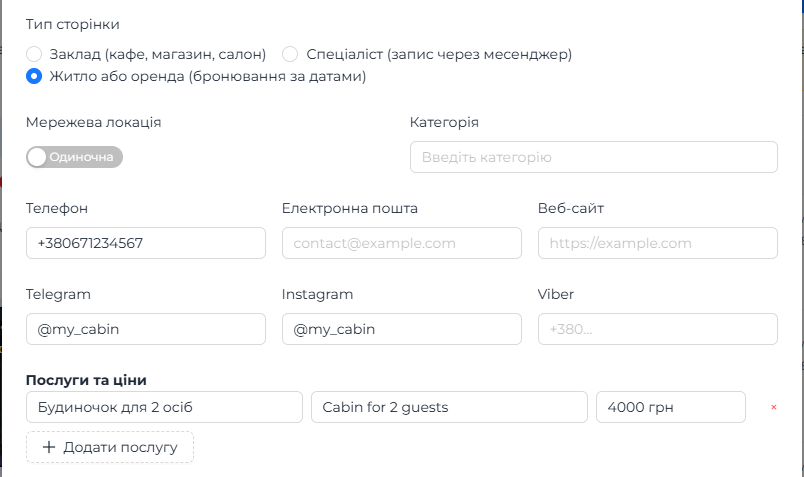
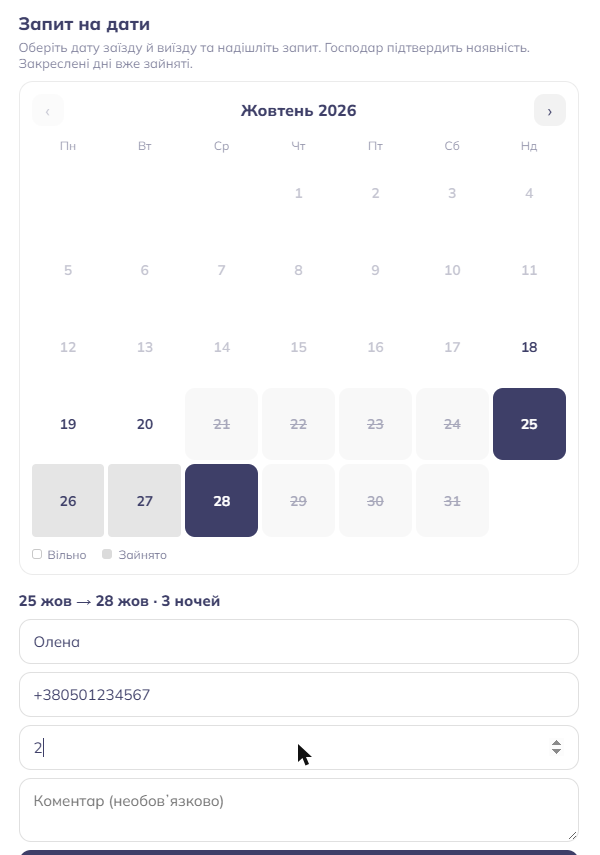
Stay or rental: cabins, apartments, glamping. Besides contacts and prices there is a date calendar where a guest picks check-in and check-out and sends a request.
What you can fill in
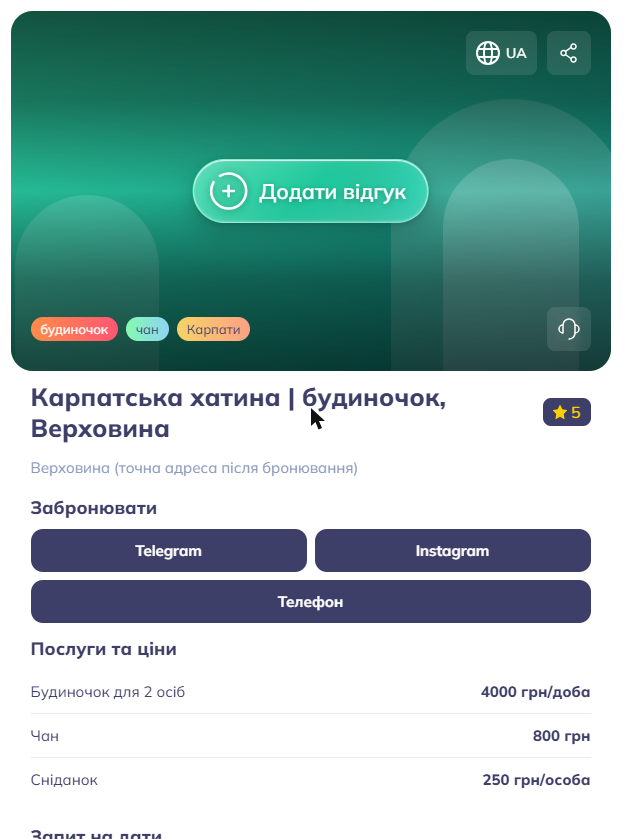
Names, descriptions and addresses in Ukrainian and English, up to three tags, coordinates, a category, a cover (your own photo or a ready-made preset) and a gallery.
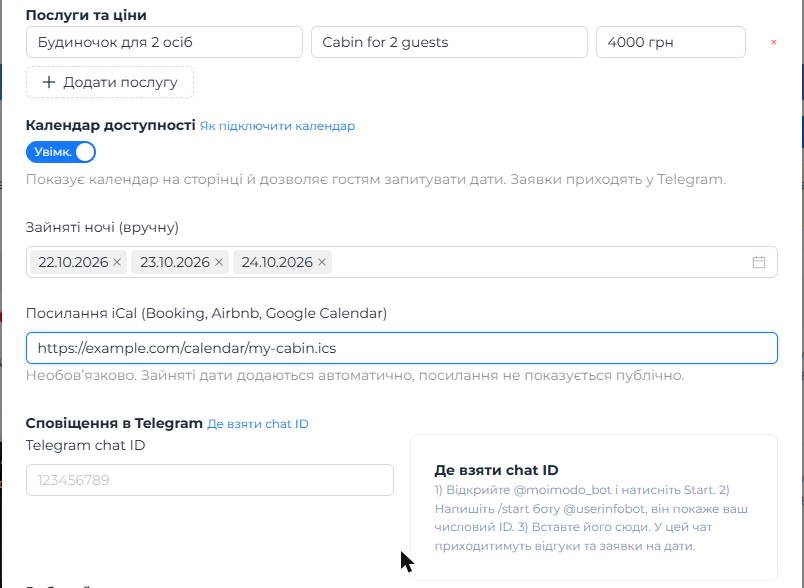
Contact buttons: phone, email, website, Telegram, Instagram and Viber. A list of services with prices and a weekly schedule. If you leave the schedule empty, the page simply does not show the open or closed status.
Every field is explained step by step in the full setup guide, with screenshots.
Reviews with moderation
Visitors leave a rating and a comment right on the page, for example after scanning a QR code at the counter. A new review is not published automatically: it arrives in your Telegram with a Publish button, so you decide what appears.
To get these messages you connect your Telegram chat ID in the location settings.
Calendar of dates and requests
For rentals the page can show a calendar. Taken nights are crossed out; a guest chooses free dates, leaves a name and a phone or Telegram and sends a request. You get a message in Telegram with the dates, the number of guests and the contact.
Taken dates can be set by hand or pulled automatically from the calendar you already keep in Booking, Airbnb or Google Calendar through an iCal link. The link is never shown to visitors.
A request is not a confirmed booking: you reply to the guest in a messenger, agree on the details and then mark the dates as taken.
Telegram notifications
Reviews and date requests come to the Telegram chat you specify. To connect it, open @moimodo_bot, press Start and paste your numeric chat ID into the location settings. A group chat works too.
The guide explains where to find the ID for a personal chat and for a group, and what to check if messages do not arrive.
Where to go next
The full guide walks through every setting with screenshots: how to create a page, how to connect an iCal calendar, where to take the Telegram chat ID and how to work with date requests.